
Structure
Get to know the structure and the result display of searchit.
 Load video
Interactive search bar
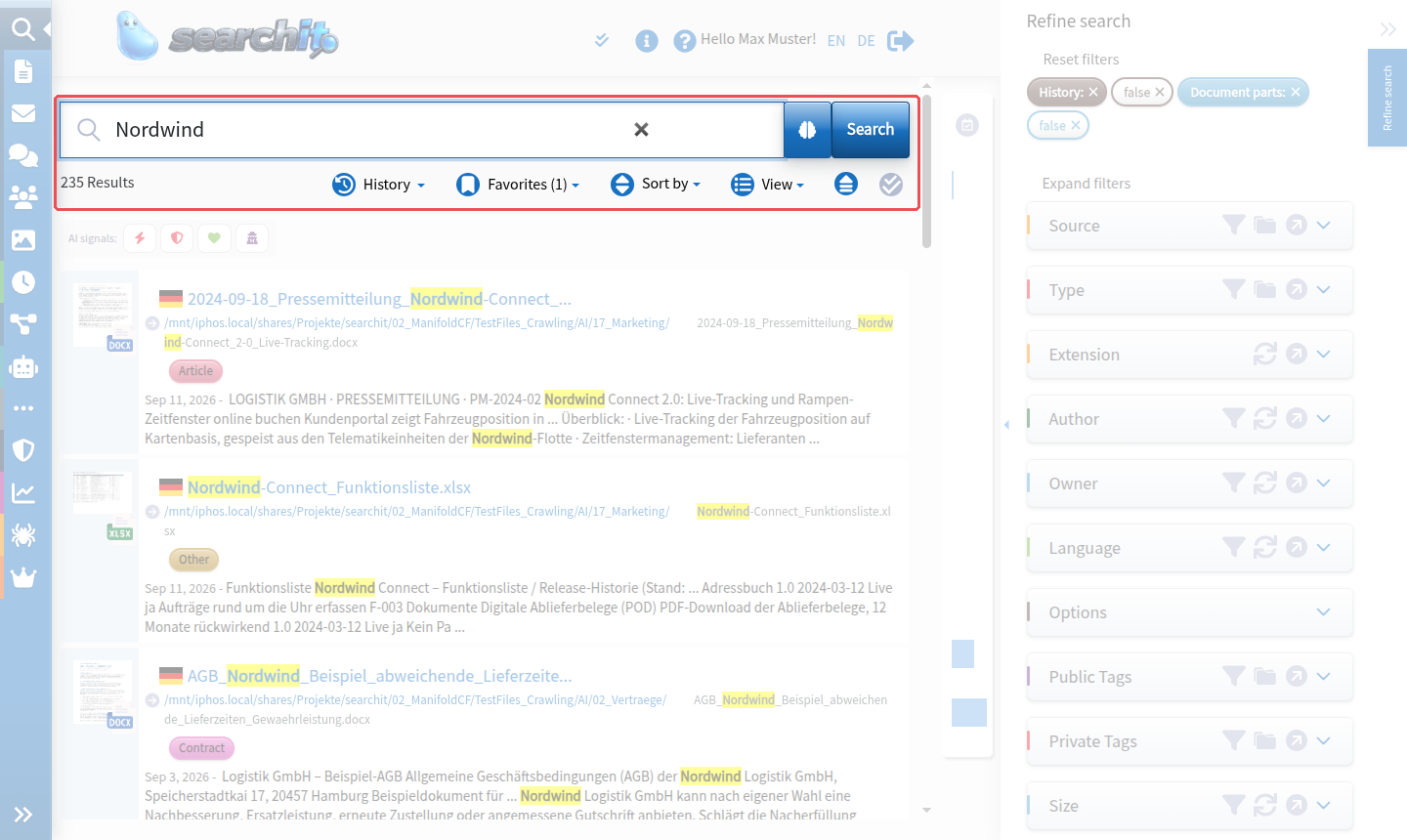
At the top of the page is the “interactive search bar”, where you can search for the term you want.
The result control bar below the search bar shows the number of search results and lets you display them in various views.
Graphical detail filters
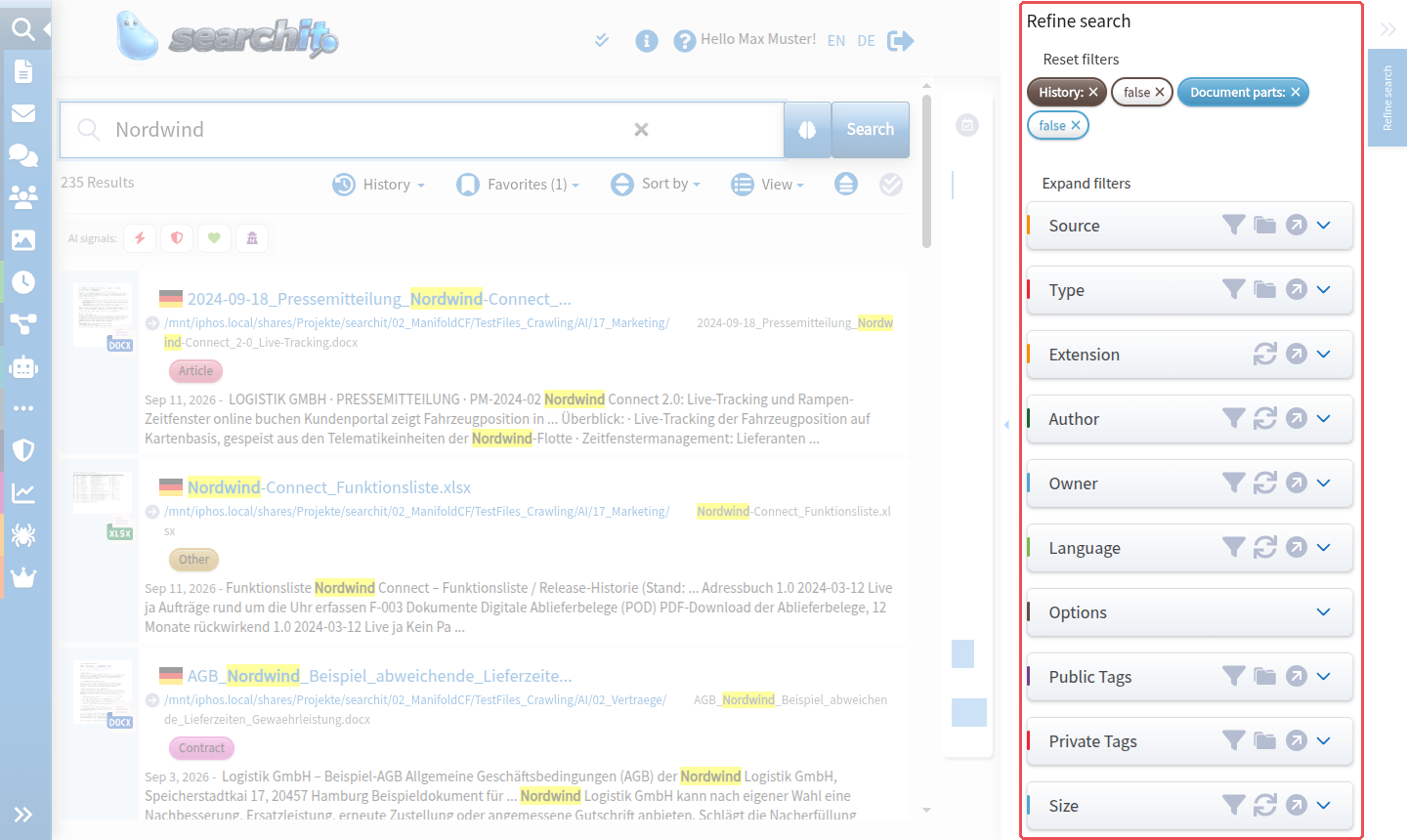
On the right you will find the collapsible graphical filters, which you can use to refine your search query.
Time dimension
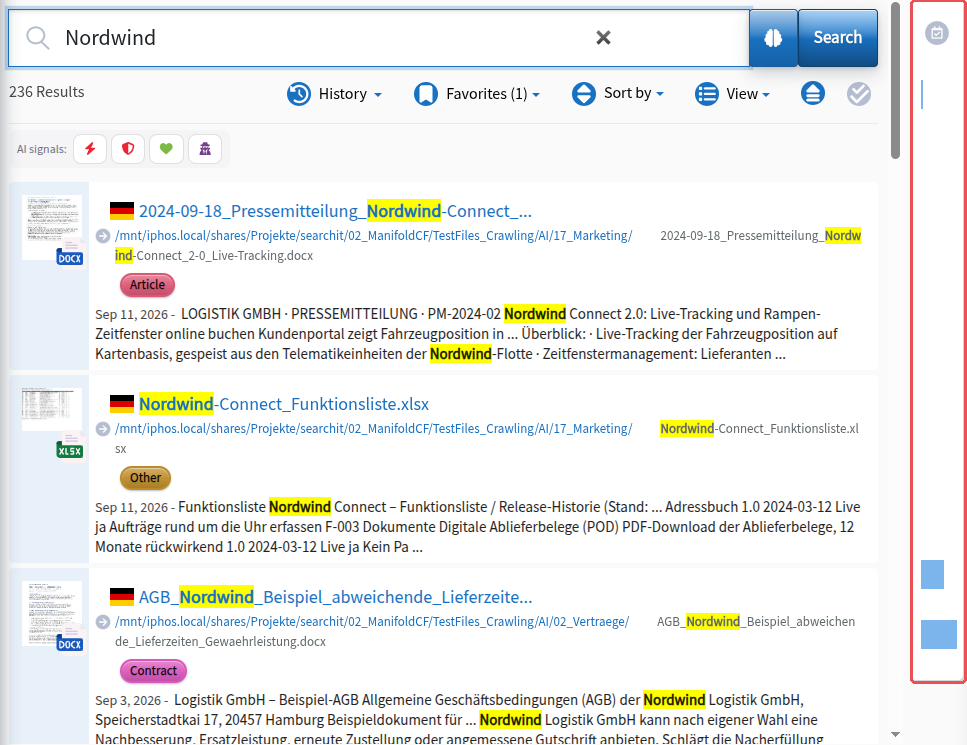
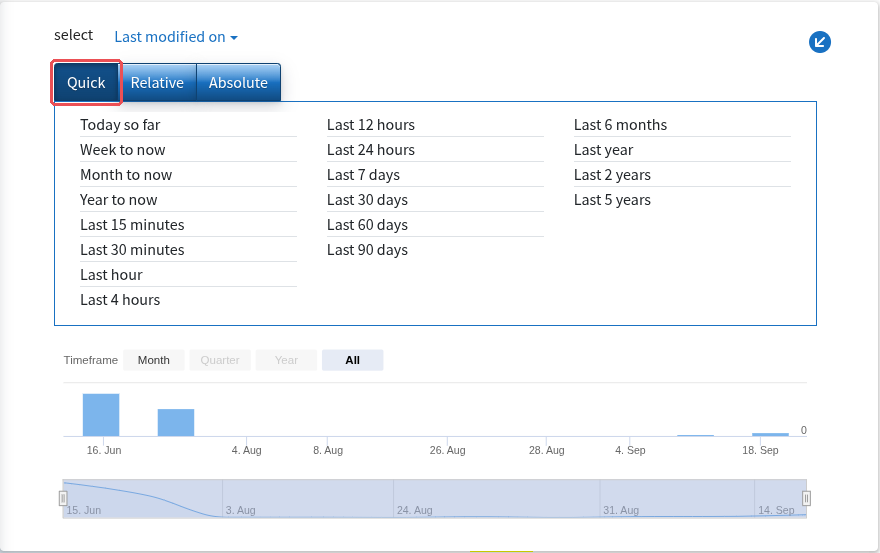
The timeline filter lets you take the time dimension into account in your search queries. Clicking the timeline to the right of the search results opens the time filter, in which you narrow down the search period using the tabs “Quick”, “Relative” and “Absolute”. More on this under Time dimension.
Search results
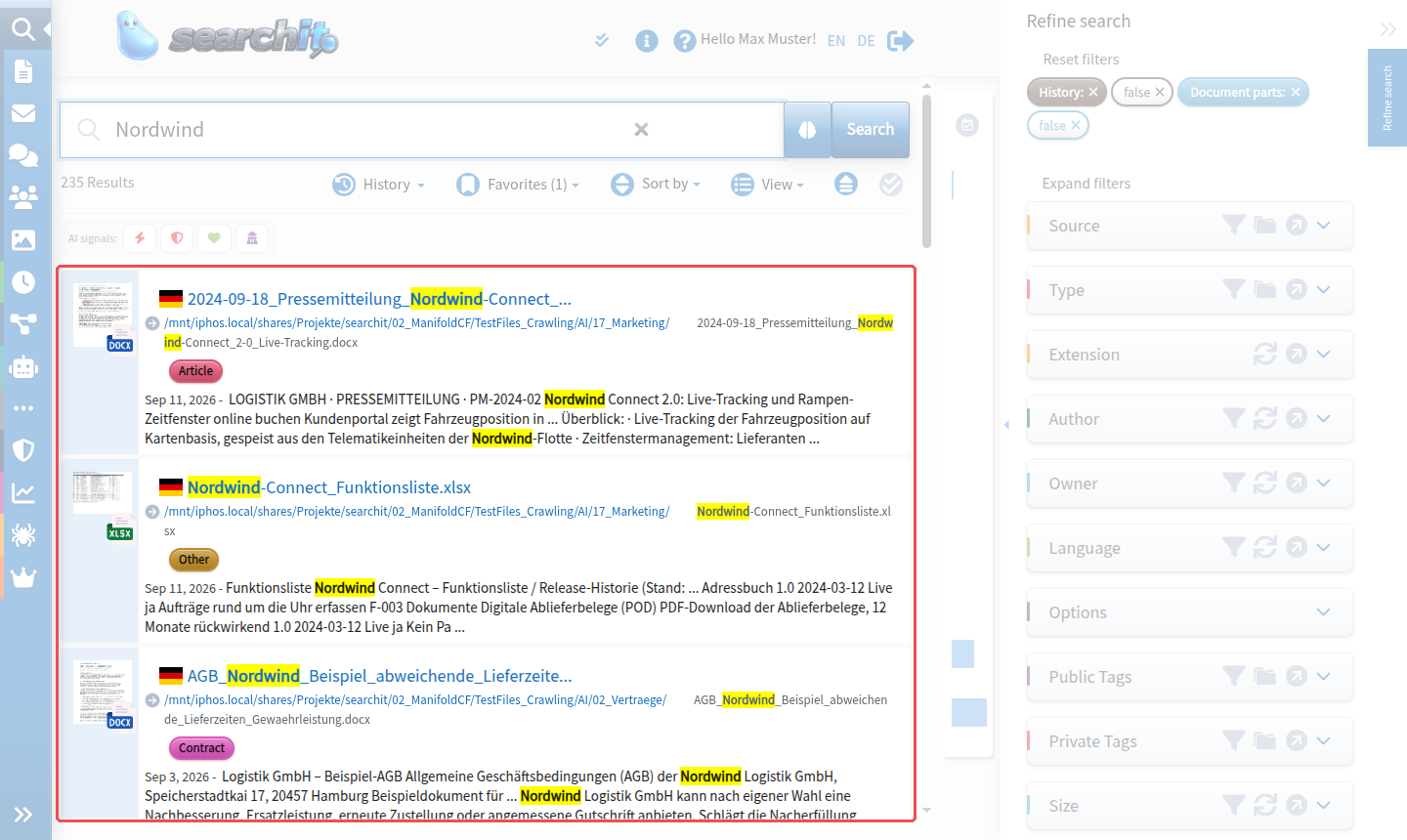
The central part of the searchit user interface is taken up by the search results, which are displayed below the search bar. A small icon on the left shows the automatically detected language of the document.
Modules & plugins
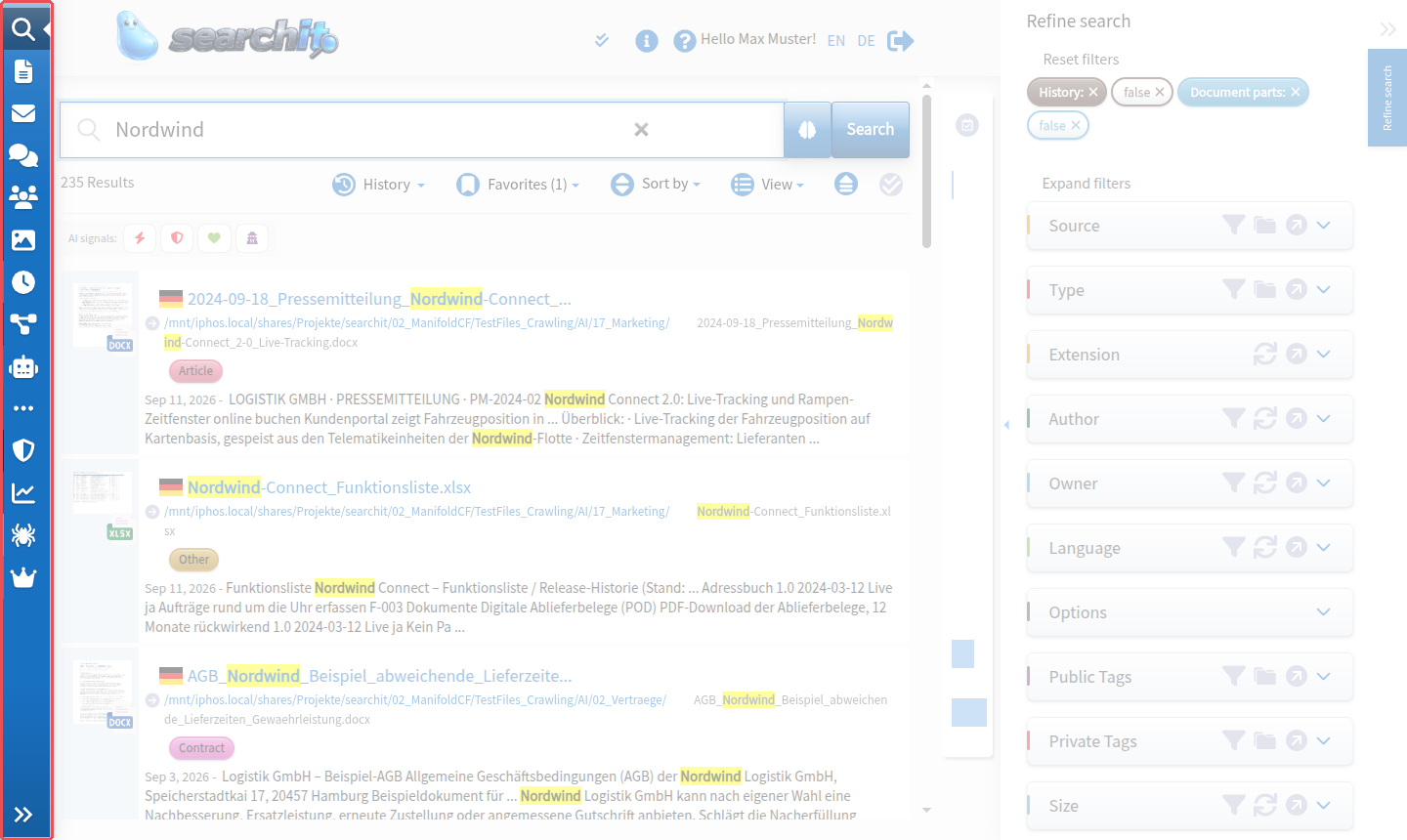
On the far left is the module and plugin switcher. The first item contains the meta search; clicking the icons below it takes you to the specialized searches or to extension modules such as Tags, Favorites, the GDPR plugin or Change Requests.
Languages
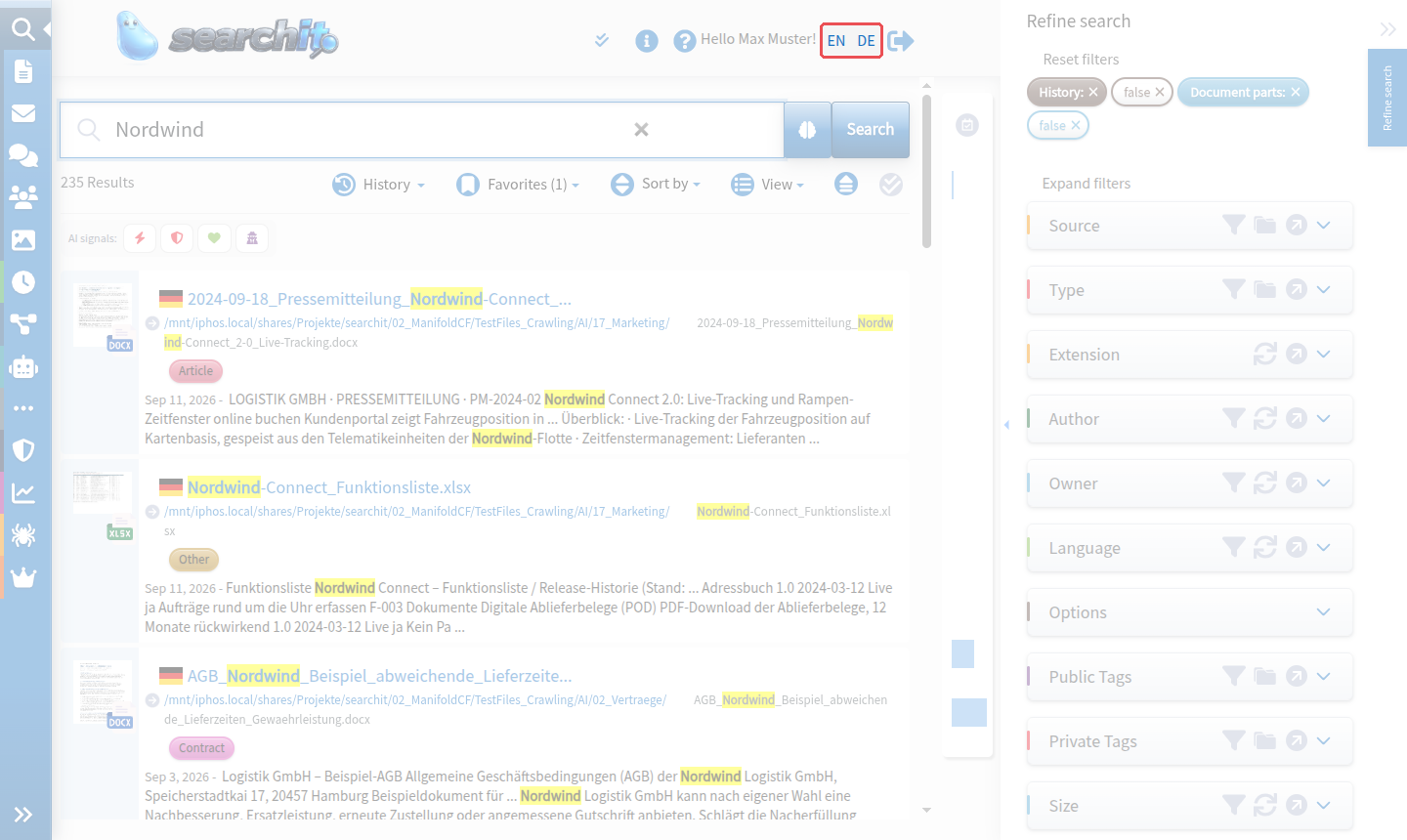
In the standard version of searchit, the languages German and English are available. You can switch the language via the links on the right-hand side of the header. Our support team will be happy to answer questions about further languages.
To filter results by texts in specific languages, see Graphical filters.