
Time dimension
With the time dimension, you can also narrow down your search by time. It is that simple. It includes a graphical preview of the time dimension for a quick overview.
 Load video
Timeline
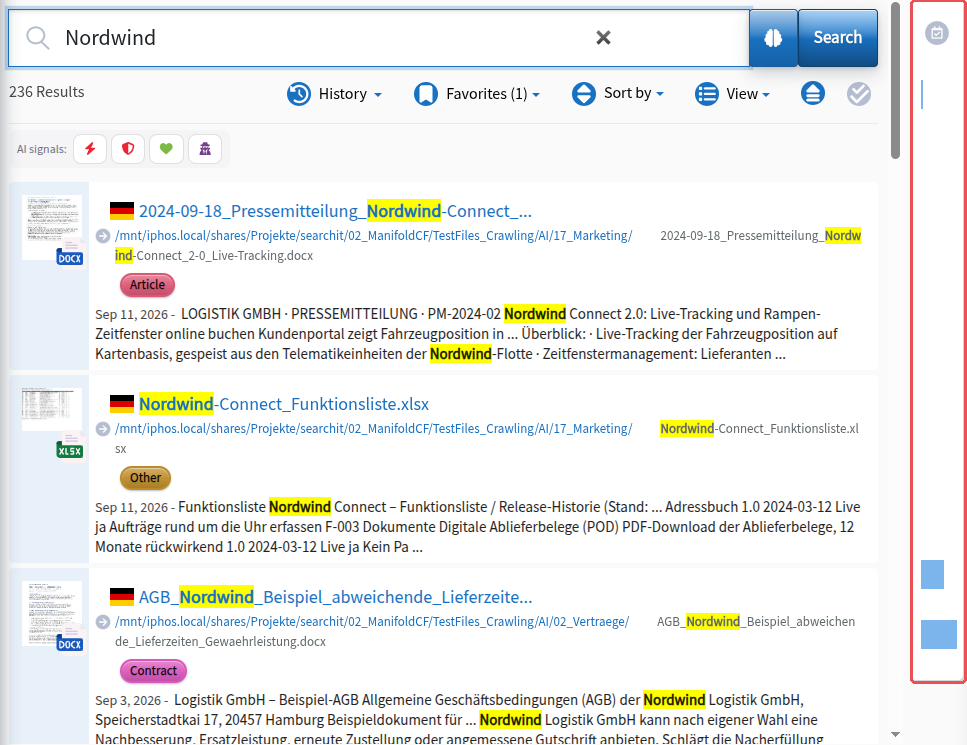
The timeline filter lets you take the time dimension into account in your search queries. Clicking the time dimension to the right of the search results opens the time dimension filter, where you can narrow down the search period using three tabs: “Quick” (quick selection, e.g. last week), “Relative” (“Relativ”, relative time specifications) and “Absolute” (“Absolut”, entry of date and time). Your search results will then only contain records from the desired period.
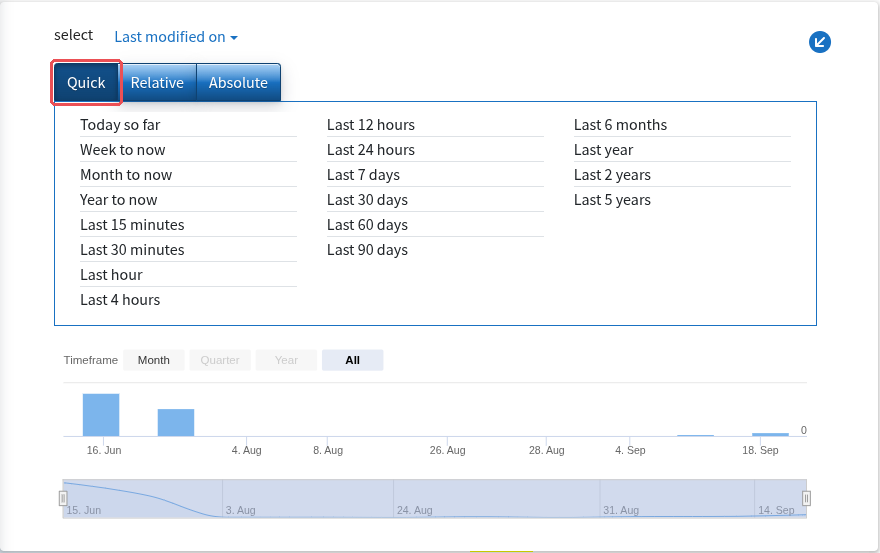
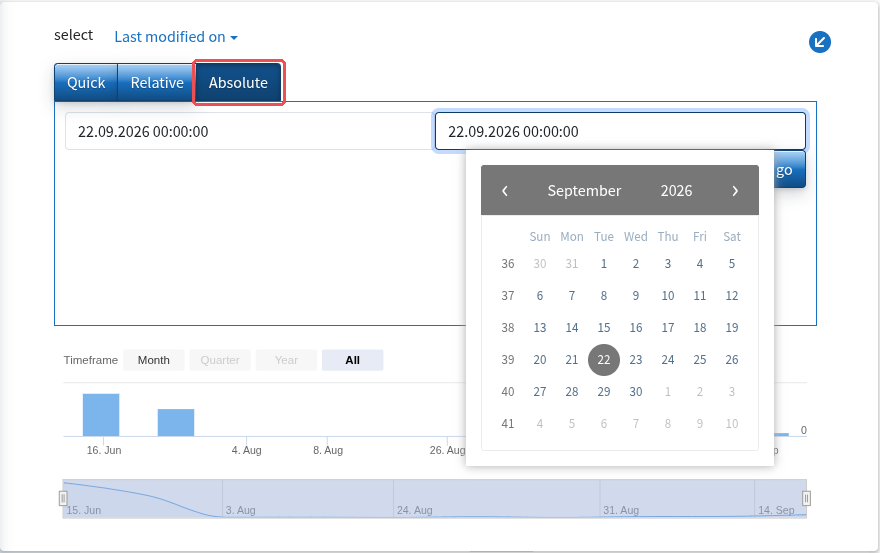
Filtering by modification, creation or crawl date
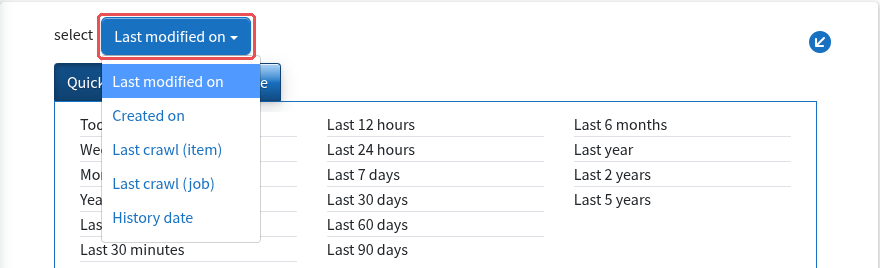
Clicking “Last modified on” opens a further context menu in which you can specify the time dimension more precisely. You can switch between the fields as you like, for example by:
- the last modification date (“Last modified on”)
- the creation date (“Created on”)
- the last crawl of the record (“Last crawl (item)”) or of the crawl job (“Last crawl (job)”)
- the date of a historical version (“History date”)
Sorting by modification or creation date can be ascending or descending. By default, results are sorted in descending order, so the most recently created results are shown at the very top.